Maildir Converter - Product Guide
Check-out the complete working procedure below, after this you can easily use the software.
Download » Install » Launch from Start » All Programs » Maildir Converter » Maildir Converter into any Windows OS Version.
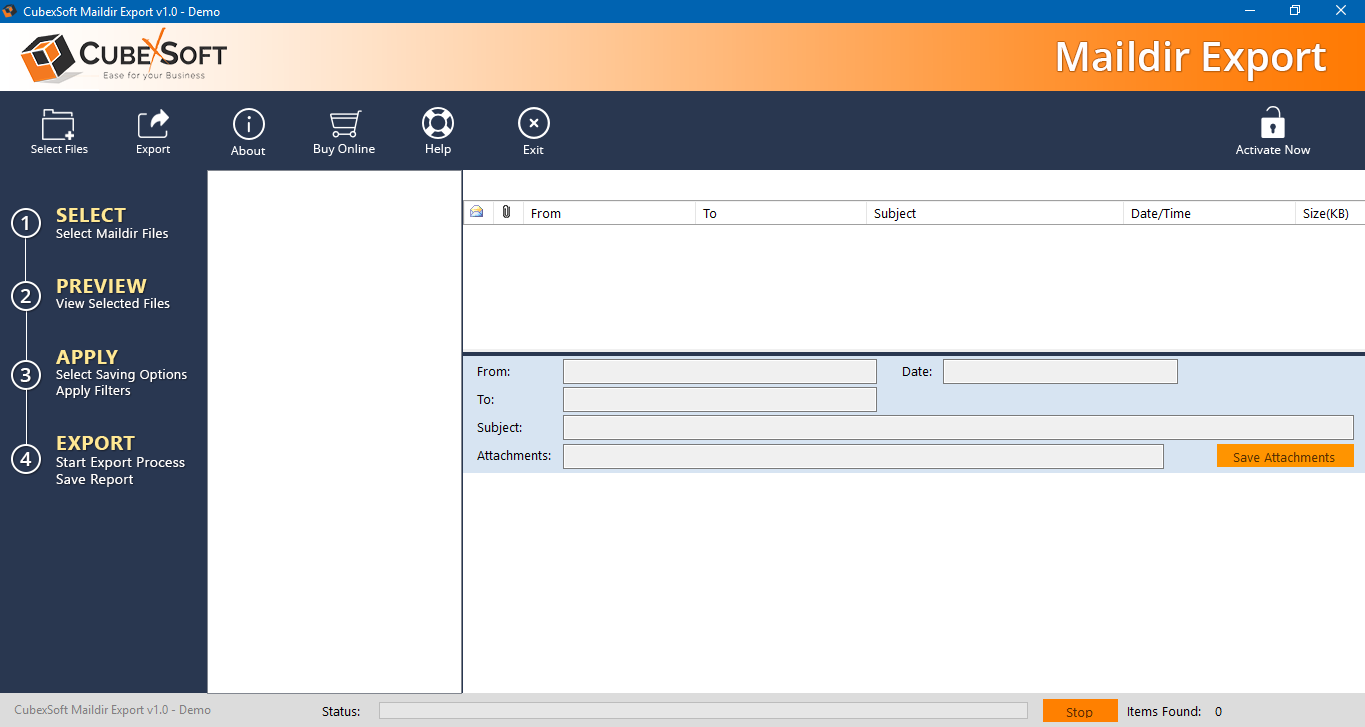
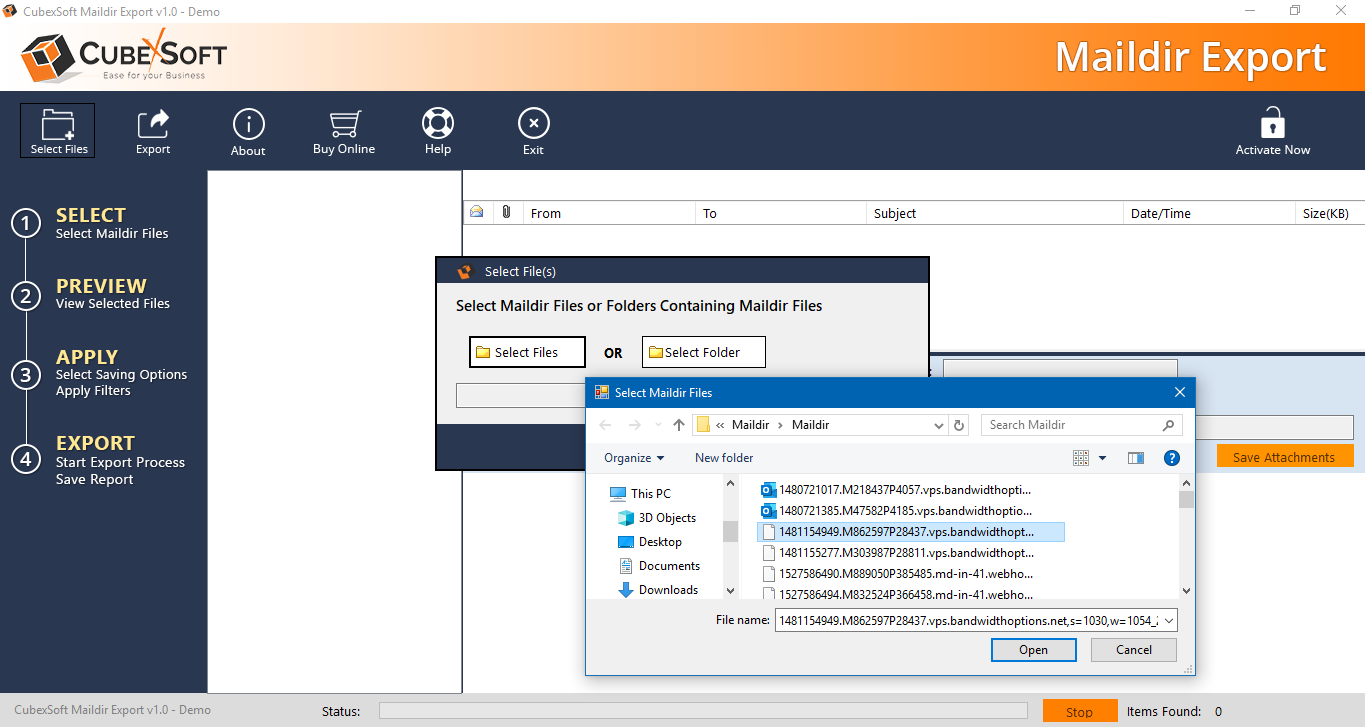
Now click on "Open" button » Dual option obtainable to browse Maildir data » click on folder icon and browse the folder having Maildir Data » click on "OK"
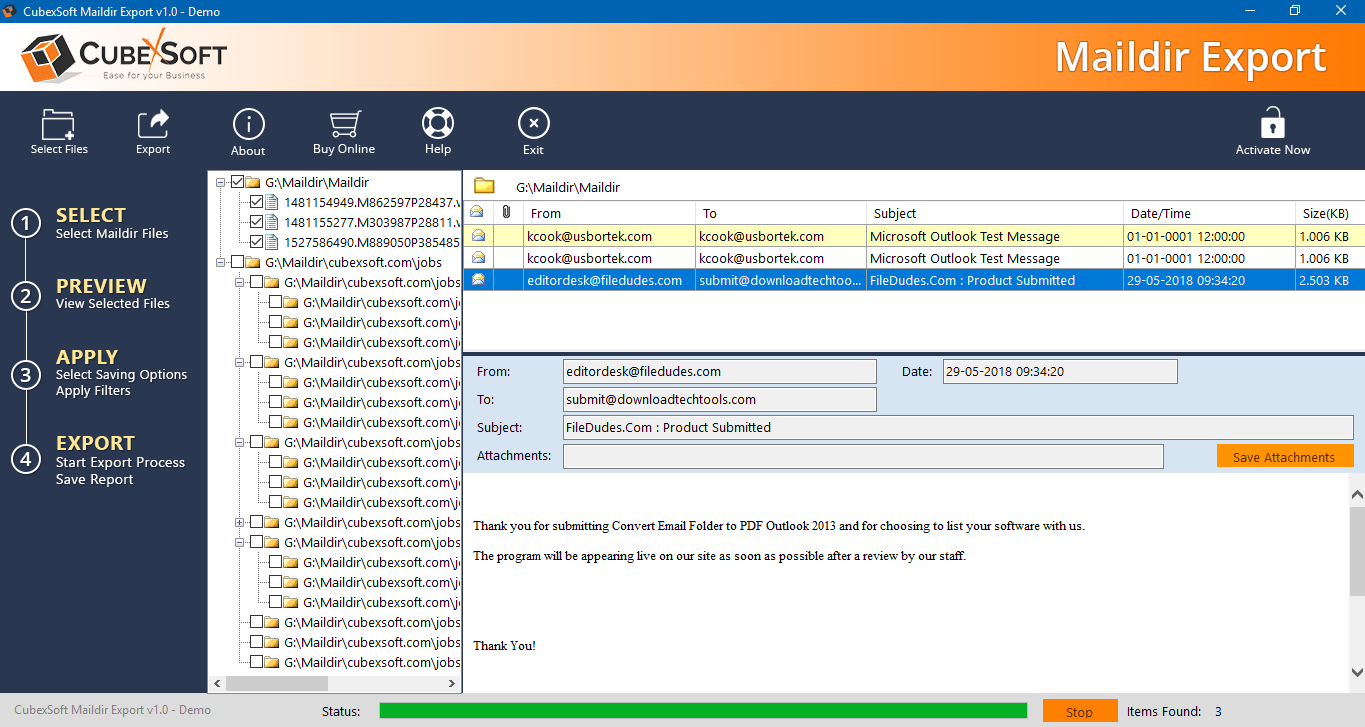
Preview Maildir folders into software panel » Click on any folder to preview Maildir emails.
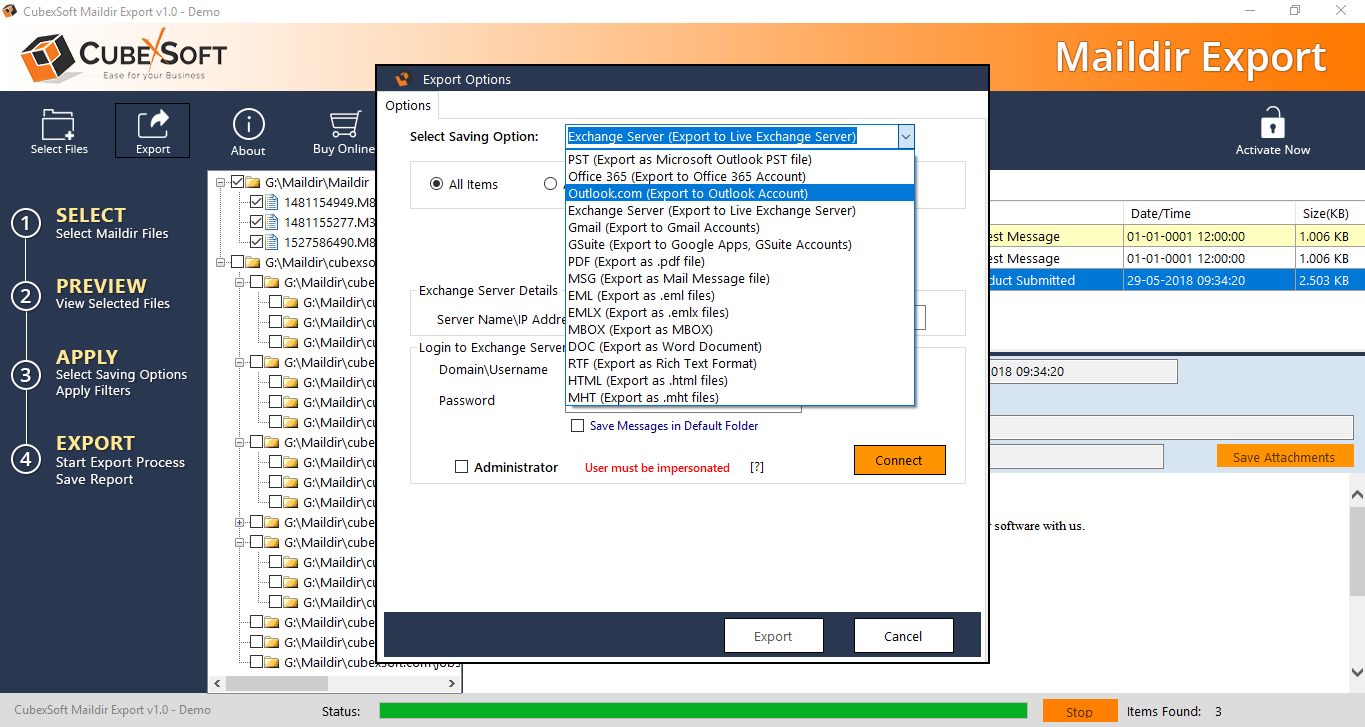
Select Save option, Select format as per your requirement like PST, Outlook.com, Office 365, Exchange, Gmail, G Suite, MSG, EML, PDF, HTML, RTF, MBX and EMLX. Click on folder icon and choose path to save converted files.
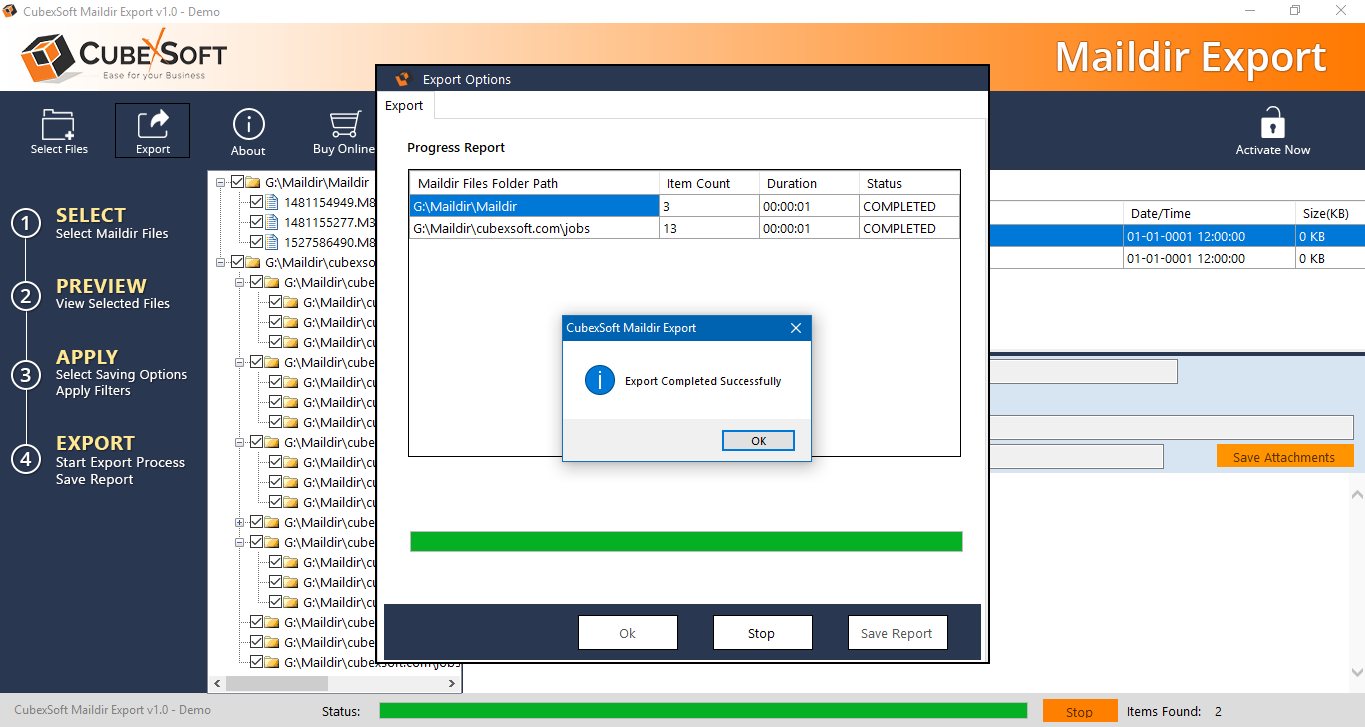
After choosing the saving destination » click on OK and migration process will start.
FREE Download Now
For Windows 10/8.1/8/7/Vista/XP Buy Online at $39.00
Order & get full-featured software
